Thursday
1
7
May
Product Range A-Z

Plan & Visualise

Garden Scrapbook is a place to find, collect and share ideas, from pots to plants to paving, with creative themes and links to our own garden design experts. Try it now

EXPLORE FEATURES

Try it now

Create your own Scrapbook

Garden Scrapbook is a place to find, collect and share ideas, from pots to plants to paving, with creative themes and links to our own garden design experts.
Mark Gregory, Landscape Designer and twelve time RHS Chelsea Flower Show Gold medal winner will be selecting his favourite scrapbooks.

More

Get Inspired on your iPad

Garden Moodboard is a free app available for the iPad. A digital moodboard to compose and inspire, use your iPad to bring all your garden thoughts, dreams and ideas to life.

Choose from a world of inspirational ideas, product photos, laying patterns and swatches. Mix them, match them, compare them, see what works, them make it happen with our Local Installer and Stockist Locator.

Try it now

Plan & Quantify!

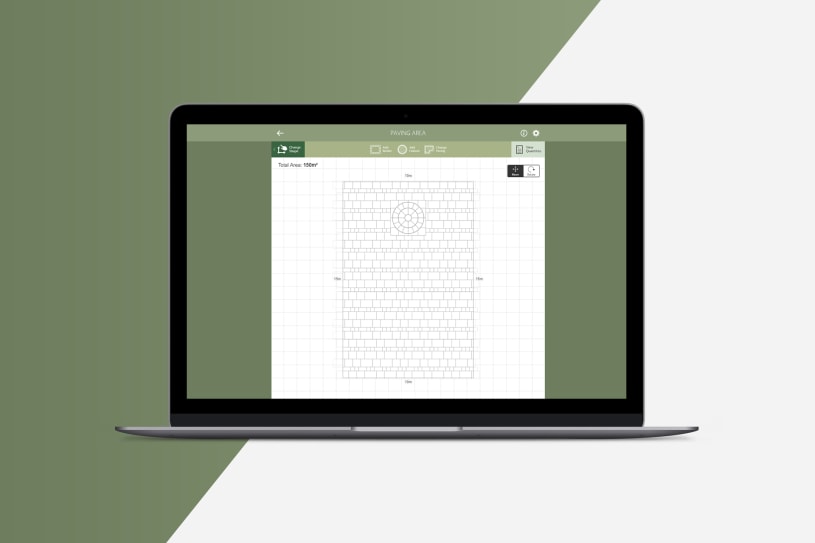
Paving Planner is a new addition for 2010, giving you the ability to create plans, experiment with different laying patterns and quantify the amount of products you will need.

Within minutes you can draw your area, select your product and pattern and produce a scale plan and bill of quantities to help you source your products from your local Stockist or have it installed by a Marshalls Register Installer.

Try it now

Visualise your Dream Garden

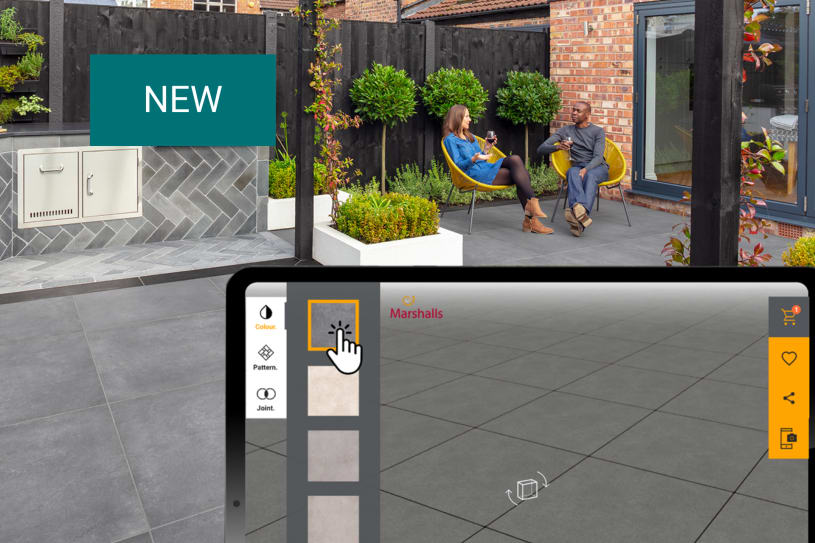
Garden Visualiser is a sophisticated yet simple visualisation program which lets you create amazing 3D garden designs.

You can easily add a wide selection of paving, block paving, walling, edging and even planting to your design. Create your own bespoke step features, garden walls with pillars and garden paths, even add an image of your own home!

TRY IT NOW

Transform your Driveway

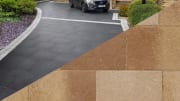
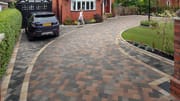
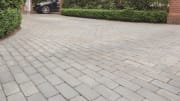
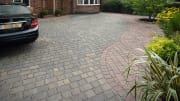
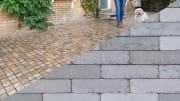
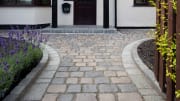
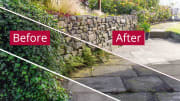
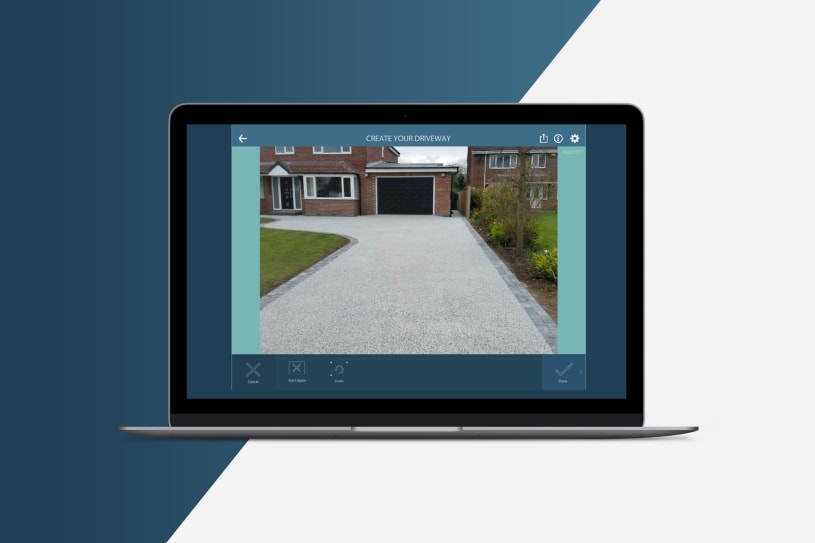
Our Driveway Visualiser is a quick and simple program that will transform your driveway in front of your eyes.

Simply upload a photo of your home and driveway, join up the dots, pick your new driveway product and click the button to transform.

The results are instant!

How to...

Garden Visualiser

  • Get Started

    Some tips to help get you started on your first garden design using GV.

  • Plot Your Garden Boundary

    Learn how to set the size and shape of your garden design.

  • Add Boundary Features

    Most gardens have boundary features, learn how to add one or more boundary features to your design.

  • Add a Photo of Your House

    Learn how to add a picture of your house. It makes it personal and helps you visualise your design.

Driveway Visualiser

  • Take your Photograph

    Visualise your perfect driveway using a photograph of your driveway. Learn how to take the photo for best results.

  • Draw Around your Old Driveway

    Learn how to draw around your old driveway using your mouse.


Alerts

Get the latest software updates, hints, tips & tutorials

Please Select
Receive alerts by email
Invalid email address
Receive alerts by sms
Invalid mobile number
Please do not share my personal information with third parties.
submit

Thank you for registering with Marshalls alerts.

You will shortly receive an email/SMS message asking you to confirm your subscription.

If you have opted for email alerts, please add marshalls
@communicatoremail.com to your address book. This will ensure you receive our emails.

You can unsubscribe from the service at any time, by visiting:
www.marshalls.co.uk/ transform/unsubscribe

Close